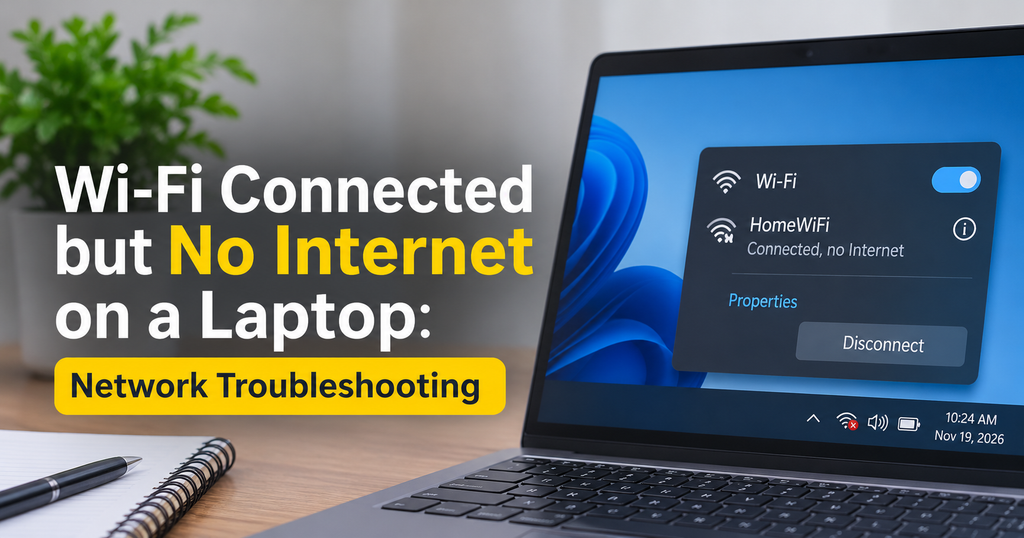
Wi-Fi Connected but No Internet on a Laptop: Network Troubleshooting
You see the WiFi icon. It says “Connected.” Yet the browser shows “No internet” or…
You see the WiFi icon. It says “Connected.” Yet the browser shows “No internet” or…
Open Task Manager or a monitoring overlay while gaming and you will see two numbers…
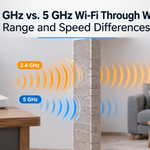
Short answer: 2.4 GHz Wi-Fi passes through walls better than 5 GHz. It reaches farther…
Input lag is the silent killer of good gaming sessions. You click, but your character…
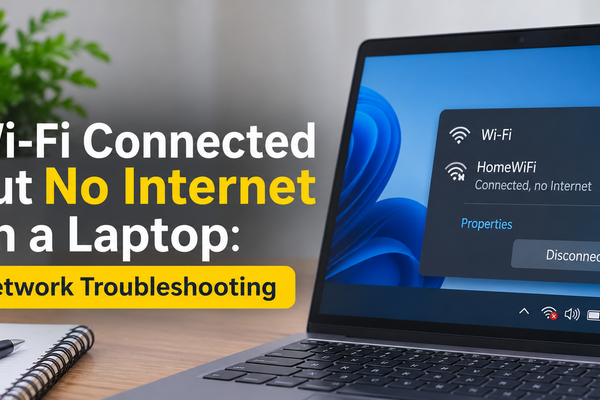
You see the WiFi icon. It says “Connected.” Yet the browser shows “No internet” or “This site can’t be reached.” This is one of the most frustrating laptop problems, especially when you have work to finish or a class to join. The good news is that WiFi connected but no internet on laptop is almost…
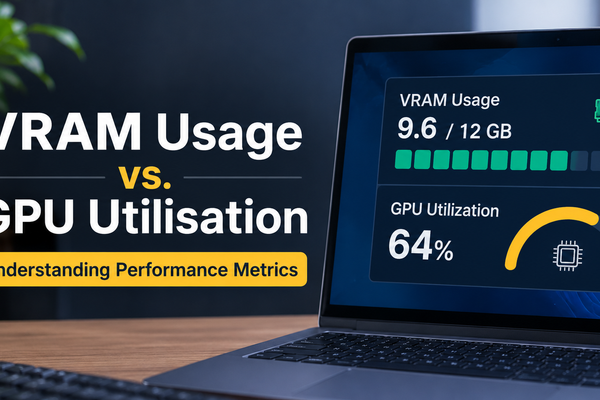
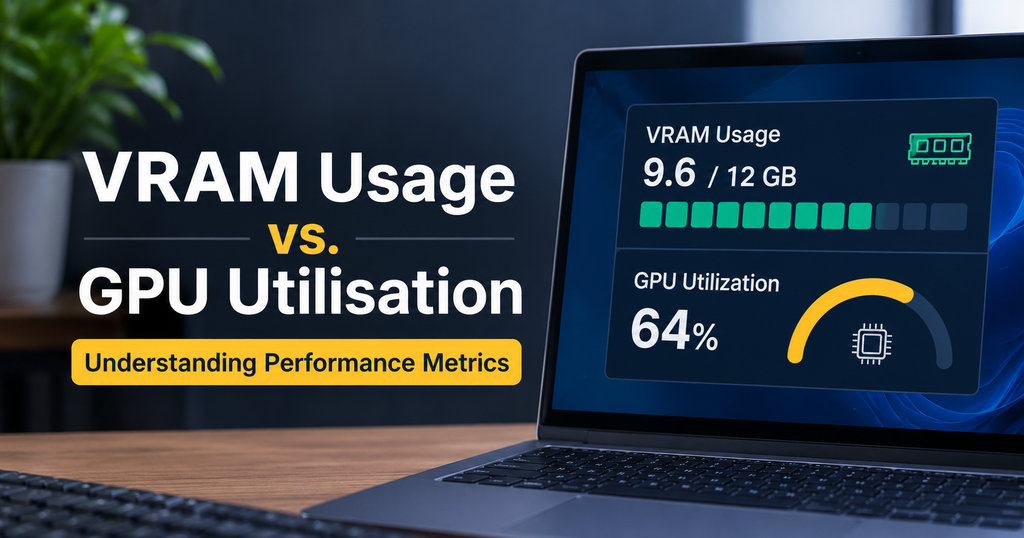
Open Task Manager or a monitoring overlay while gaming and you will see two numbers that sound similar but are not: VRAM usage and GPU utilization. Many people treat them as one and the same, then buy the wrong graphics card or “fix” a problem that never existed. This guide explains VRAM usage vs GPU…
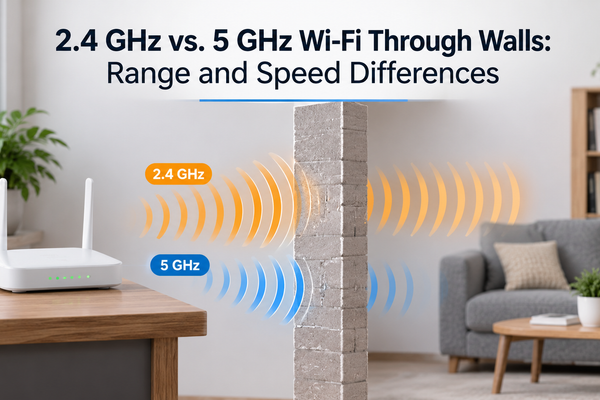
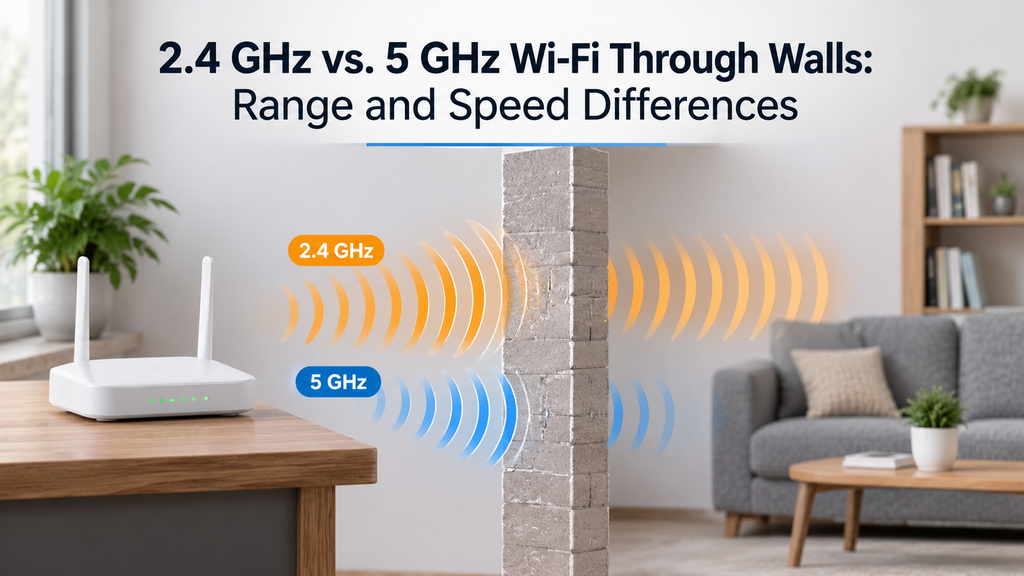
Short answer: 2.4 GHz Wi-Fi passes through walls better than 5 GHz. It reaches farther rooms with a stronger, more stable signal. 5 GHz, however, delivers much higher speeds and suffers less interference, so it wins whenever you are in the same room or one wall away from your router. If you have ever stood…
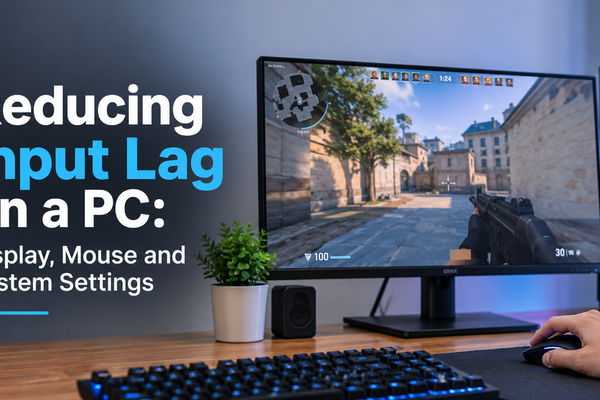
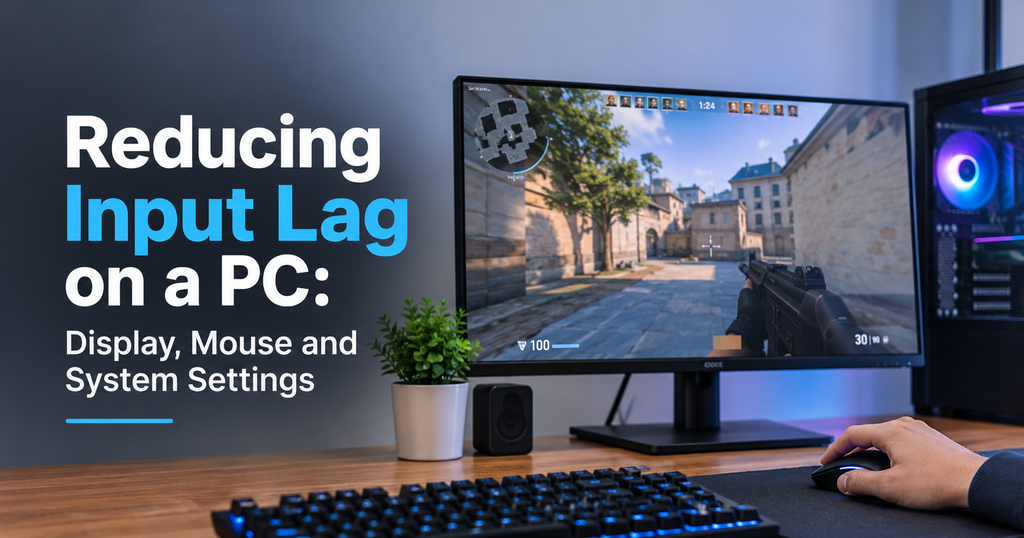
Input lag is the silent killer of good gaming sessions. You click, but your character shoots a heartbeat too late. You move the mouse, and the cursor feels like it is dragging through syrup. If that sounds familiar, you are not imagining things: your PC has a measurable delay between your action and what appears…
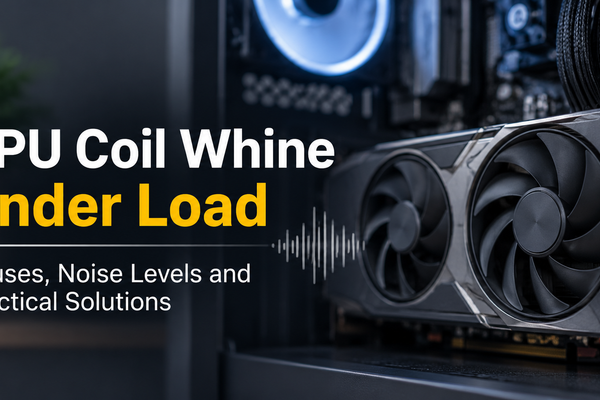
You start a game, the frame rate climbs, and then you hear it: a thin, high-pitched buzz or sizzle coming from your PC. Turn the game off and it disappears. If that sounds familiar, you are dealing with GPU coil whine under load, one of the most common and most misunderstood noises in a gaming…
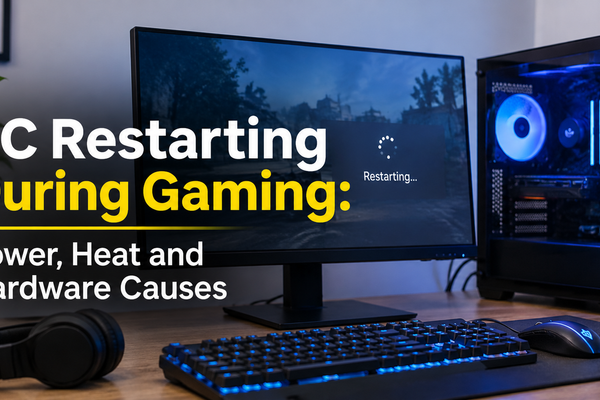
You are three rounds from winning a ranked match, or finally at the final boss, when the screen goes black, the fans spin down and your PC boots back up as if nothing happened. If this keeps happening, it is more than annoying. Repeated hard restarts can corrupt game saves, damage Windows files and put…
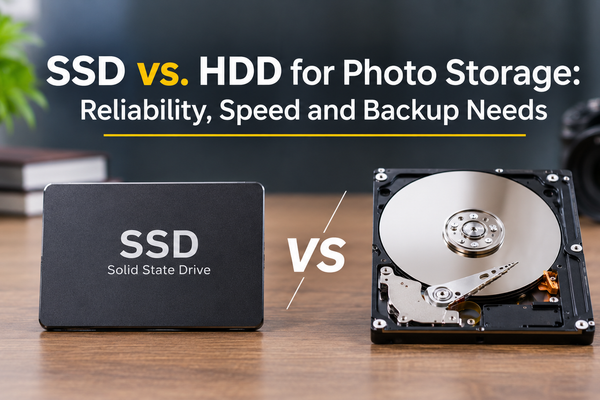
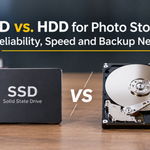
Every photographer eventually hits the same wall. The memory cards keep filling up, the laptop drive is almost full, and a stack of external drives starts growing on the desk. Then comes the big question: should you store your photos on an SSD or an HDD? The honest answer is that both are good, but…
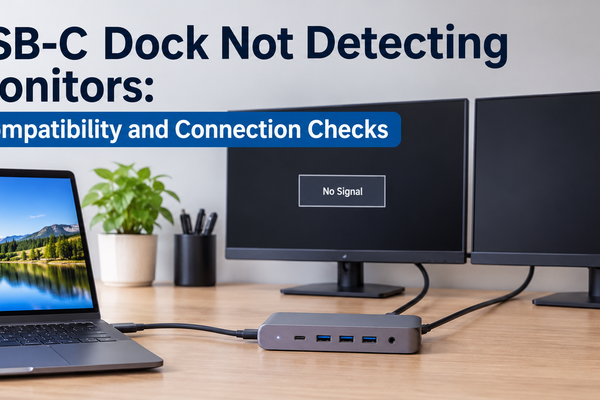
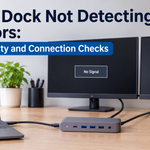
You plug your laptop into a USB-C docking station, connect two monitors, and expect a tidy desk setup. Instead, one screen stays black, or both do. It is one of the most frustrating problems in a modern work-from-home setup, because everything looks connected and nothing works. The good news is that a USB-C docking station…
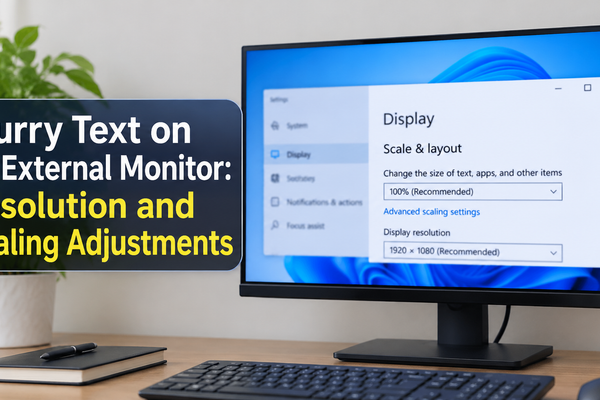
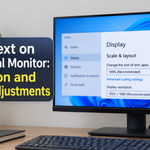
You connect a brand-new external monitor to your Windows PC, expecting a crisp, comfortable workspace, and instead the text looks soft, fuzzy or slightly smeared. Icons look fine, videos look fine, but reading emails, spreadsheets or code gives you eye strain within minutes. If this sounds familiar, you are not alone. Blurry text on an…
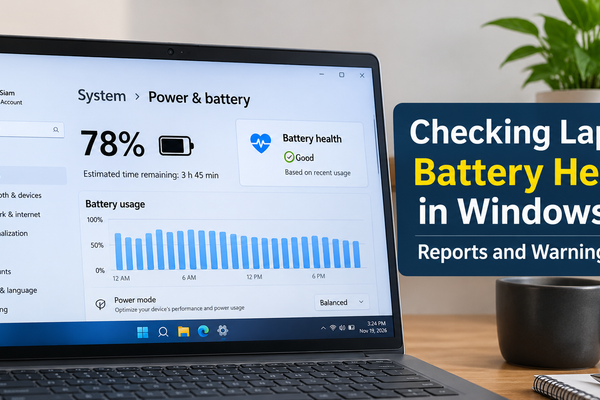
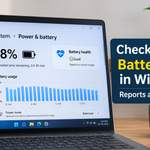
Is your laptop dying faster than it used to? Does it shut down at 30% or fail to last through a single meeting? Those are classic signs of a worn-out battery, and the good news is that Windows 11 can tell you exactly how much life your battery has left. You do not need to…